3D printing 101
3D printing makes it possible to create physical objects directly from digital designs. In the next five minutes, you’ll learn how it works, what people actually print, and which path could be right for you.
3D printing makes it possible to create physical objects directly from digital designs. In the next five minutes, you’ll learn how it works, what people actually print, and which path could be right for you.
A 3D printer creates a physical object from a digital 3D model. Instead of cutting material away or shaping it in a mould, the printer adds material one layer at a time until the object is complete. prusa3d
The process usually starts with a model, continues in slicing software, and ends with the printer turning that prepared file into a real object.
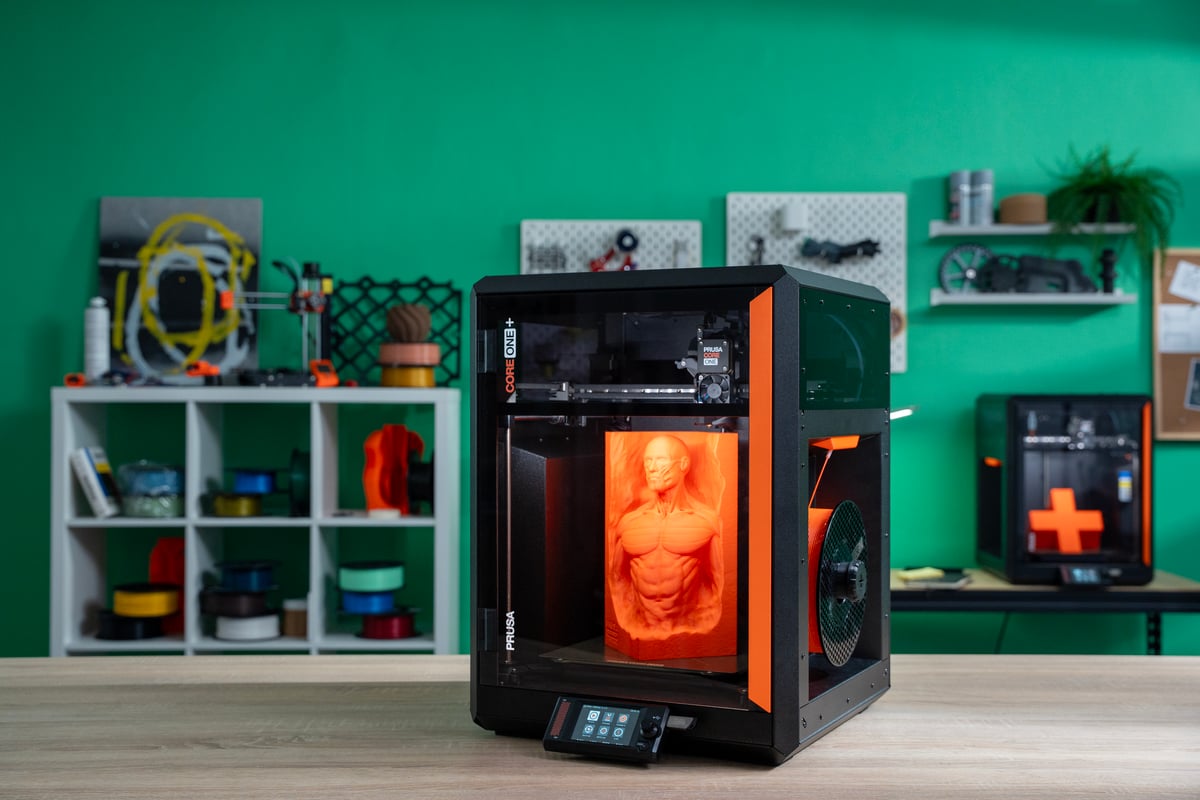
You do not need to design everything yourself. There are millions of ready-made models available, and you can start printing before learning 3D modelling.
Download an existing design or create your own
Slicer software converts the model into instructions for the printer. Pick a material and set the desired quality - the slicer then prepares the file for the printer.
The printer follows those instructions, building the design layer by layer.
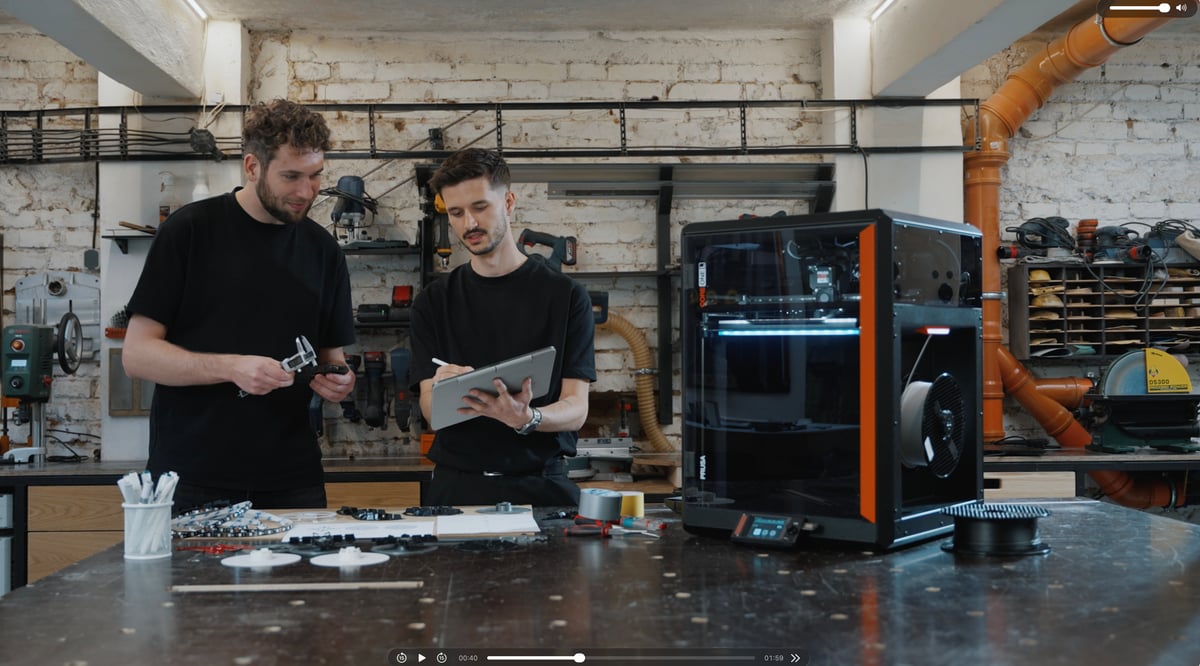
Test an idea in your hands the same day you design it.
3D printing started as a way to make prototypes quickly. It is now used for everything from one-off repairs to production parts, because you can make the part you need without waiting for tooling, suppliers, or a large production run.
The amazing thing is that this very same, incredibly capable machine can easily sit on your desk at home and make stuff for your kids or your household. And anyone can learn to use it over a weekend.
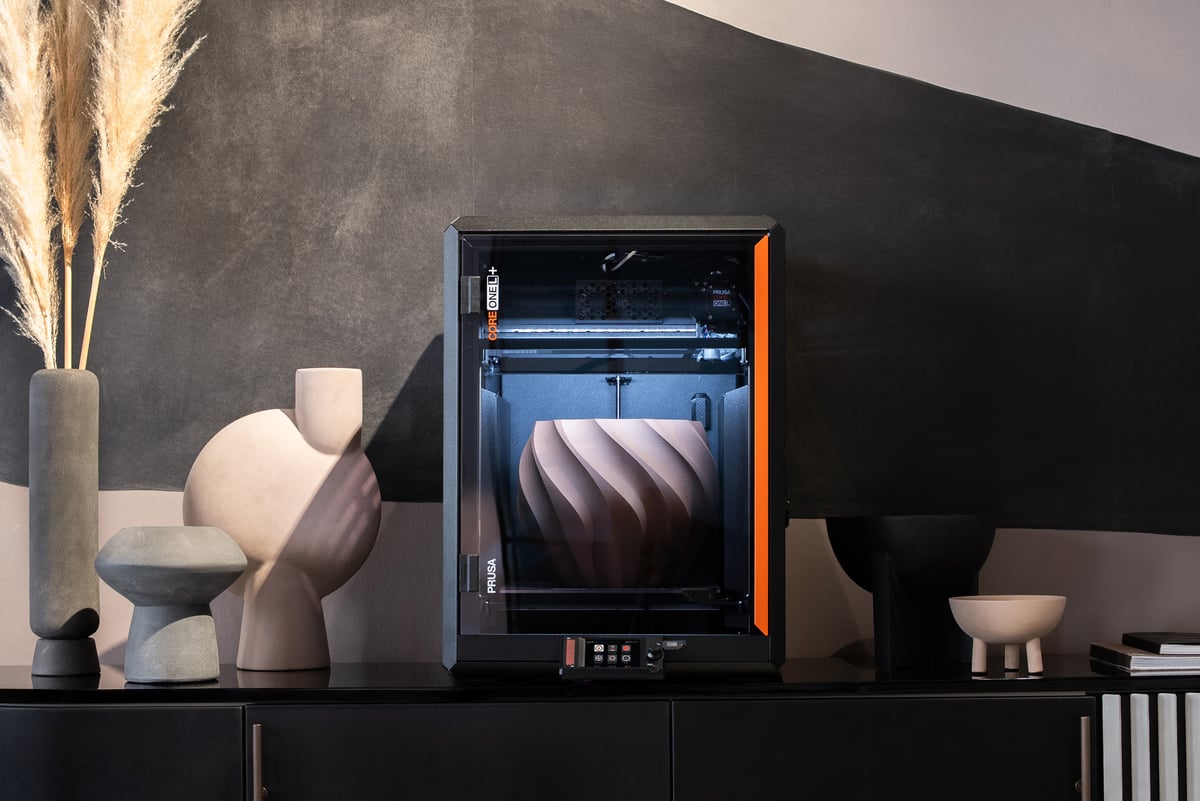
Design: Test, Iterate, Improve
Check a part’s size, fit, and function before committing to a final version. Print it, try it, adjust the design, and print the next version the same day.
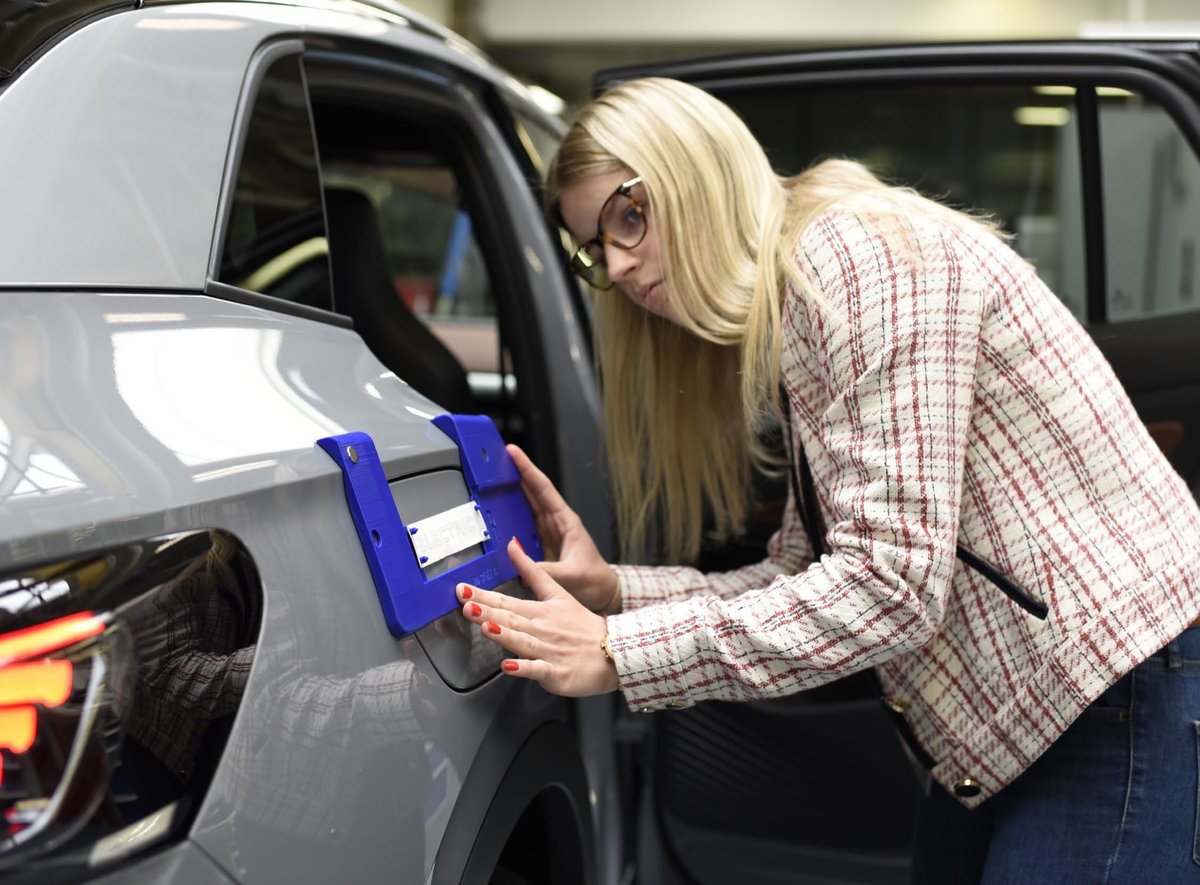
Workshops: Make functional parts
Make the tools that keep work moving: jigs, fixtures, guides, holders, gauges, and replacement parts. Print exactly what the job requires instead of adapting an off-the-shelf tool.
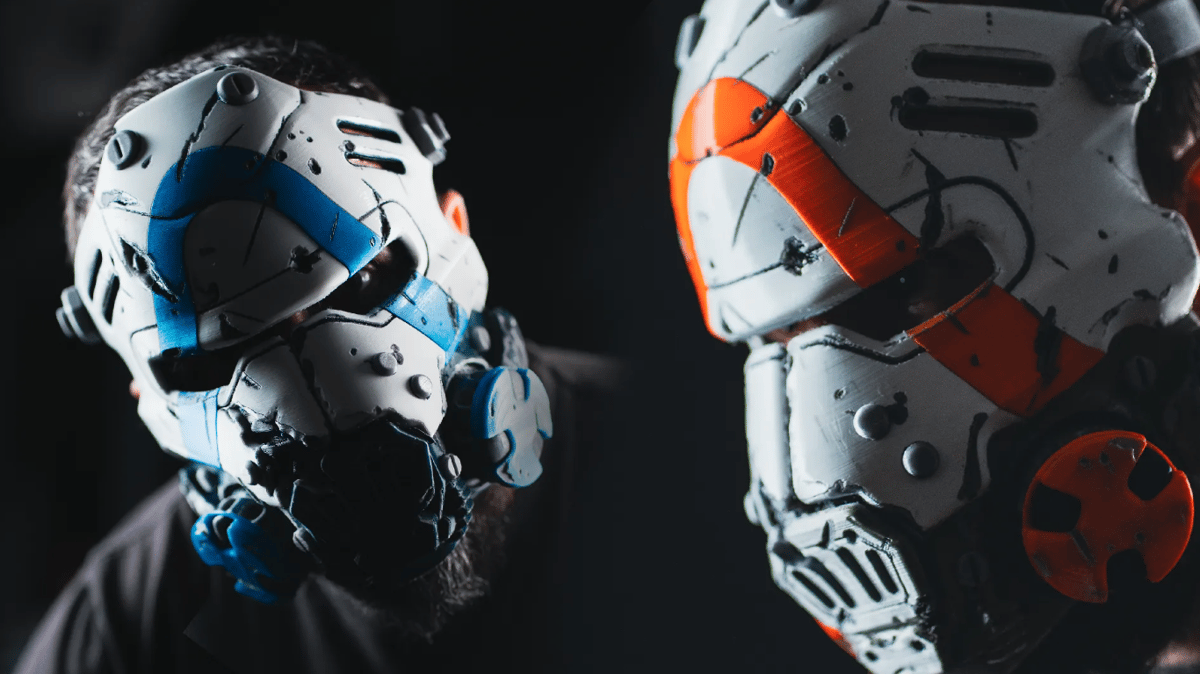
Fun: Make things you cannot buy
Print puzzles, tabletop accessories, toys, personalized gifts, board-game organizers, and hobby models. Plus: cosplay, home improvement, workshop helpers, and so much more.
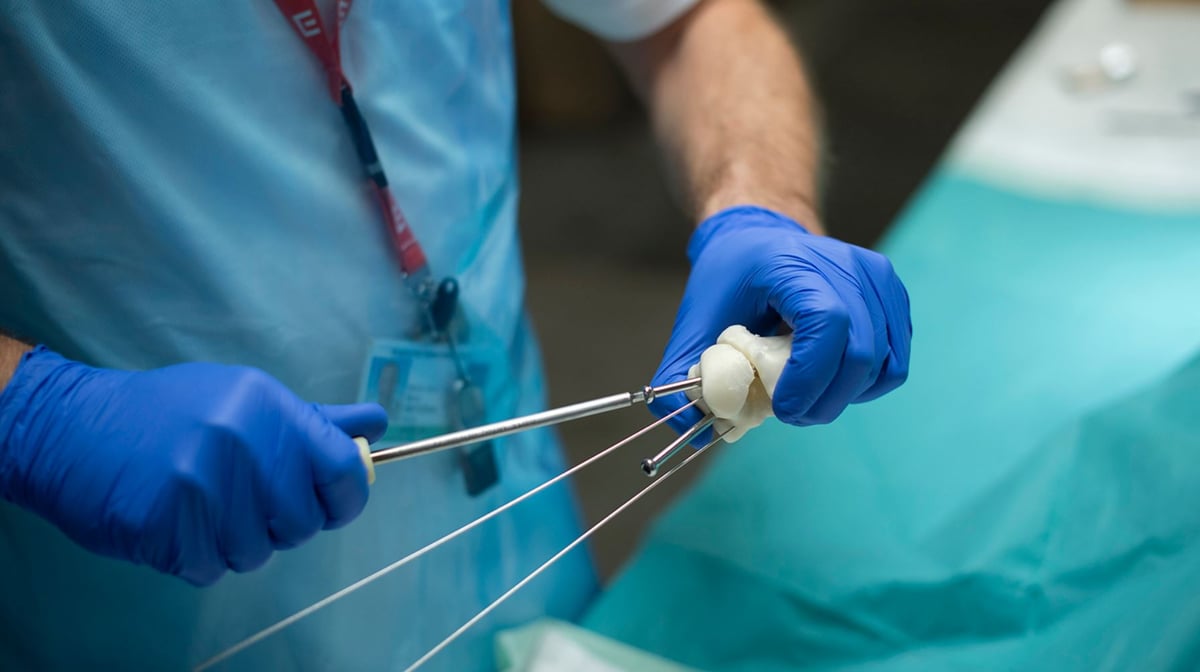
Healthcare: Plan and practise
3D printing is used for anatomical teaching models, surgical planning models, custom fixtures, assistive devices, and research tools.
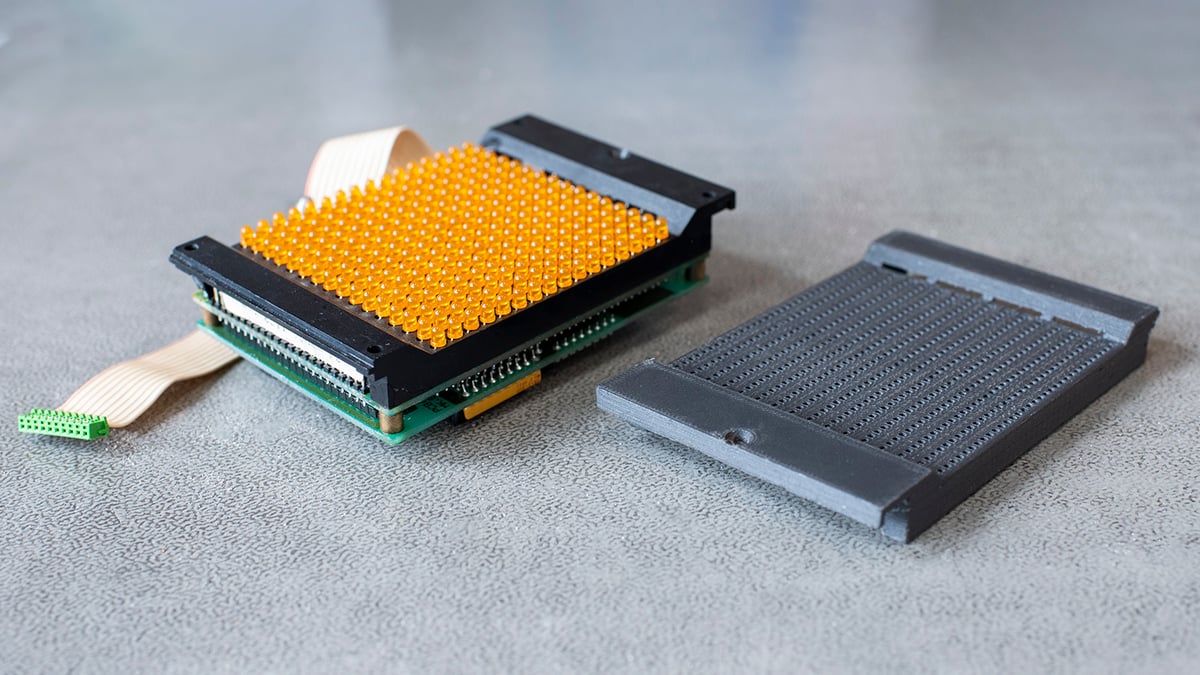
Repairs: Keep things working
Replace the small part that failed: a clip, knob, bracket, cover, or adapter. A printed replacement can keep an otherwise useful product in service and is often stronger than the original part.
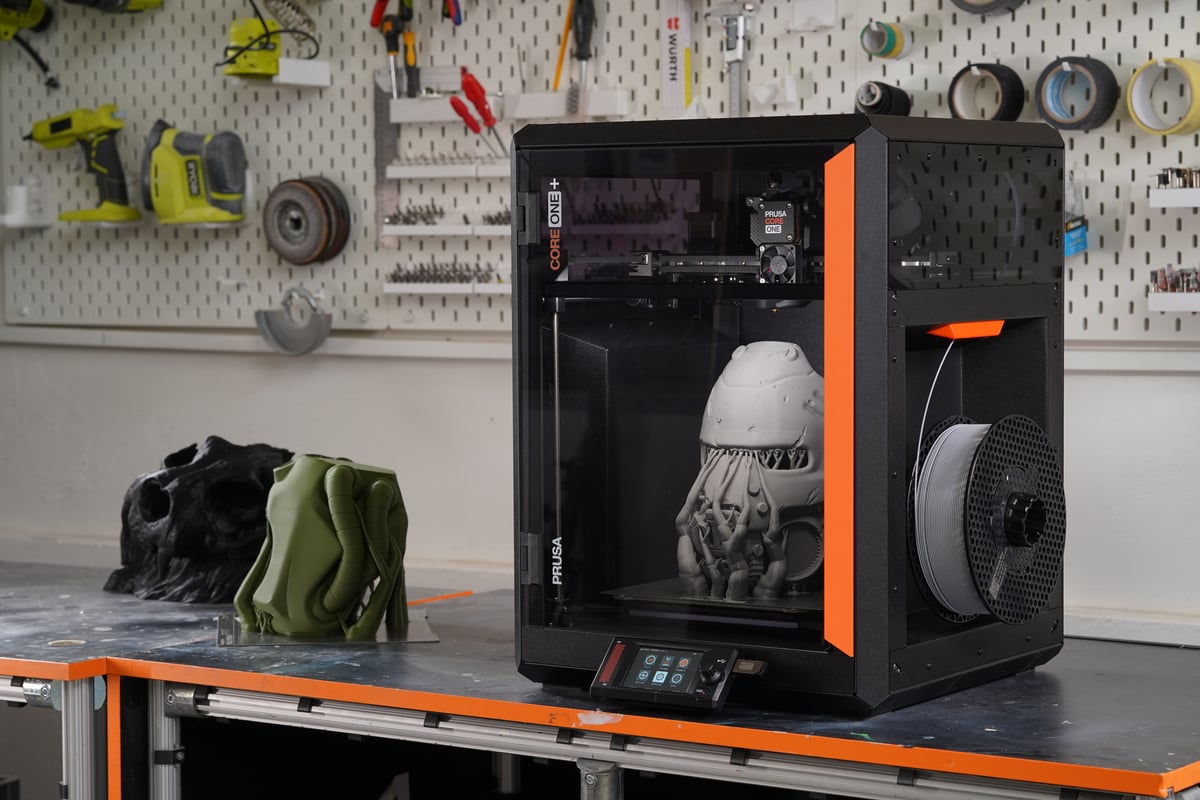
Education: Learn by making
Turn a sketch or CAD model into something students can hold, test, and improve. It gives design, engineering, and science lessons a practical outcome.
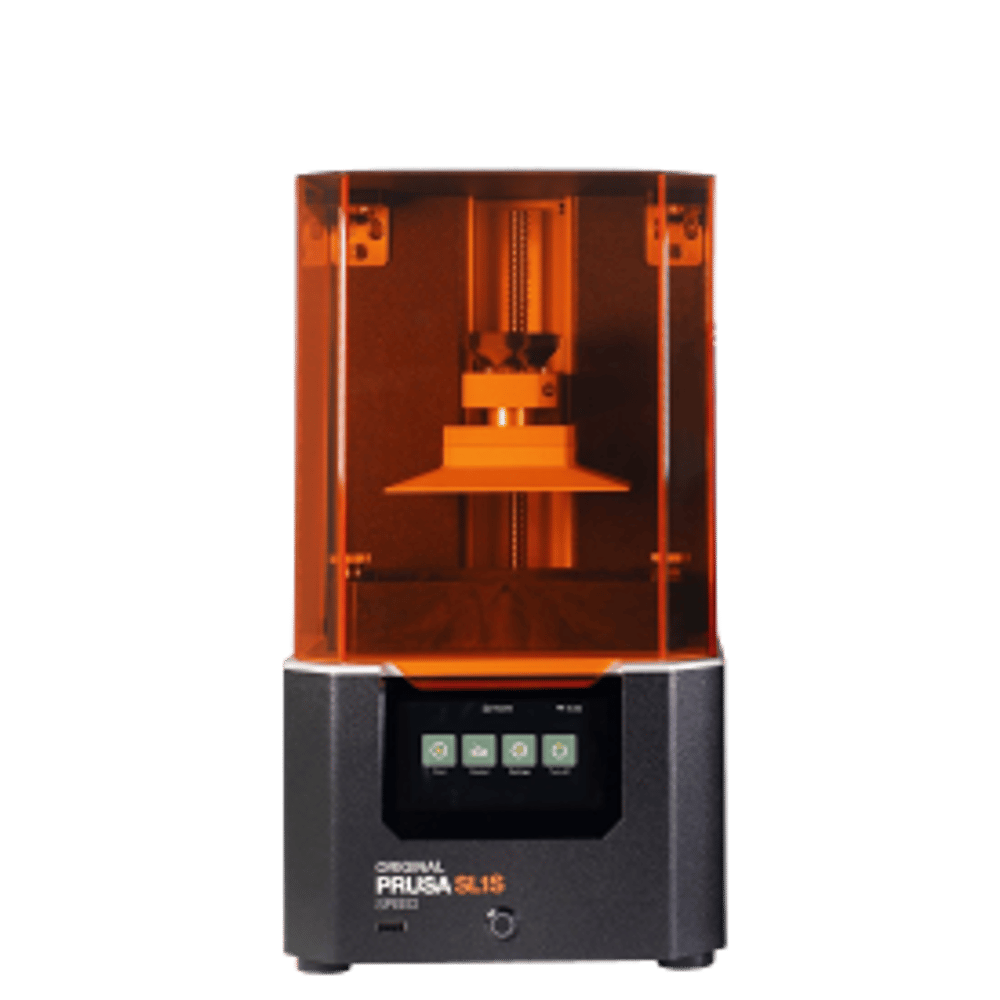
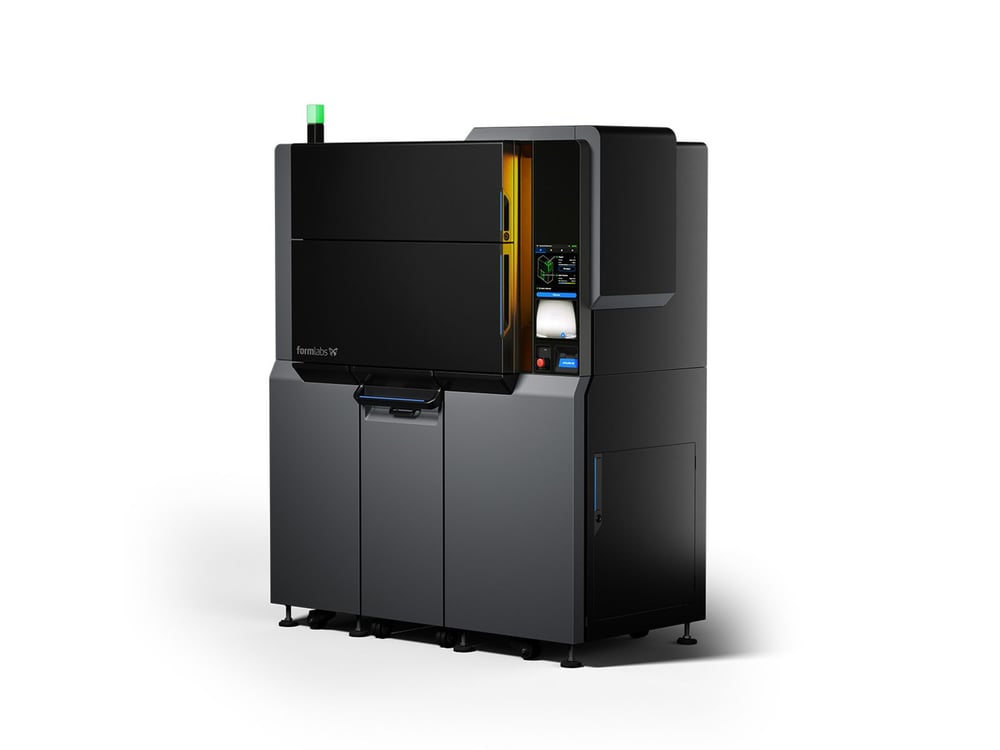
Almost every printer you will meet uses one of these methods. All of them are 3D printing - they suit different jobs.
All types of 3D printing are based on the same principle: creating objects by adding layers on top of existing layers. As of this moment, there is no 3D printing technology that would be completely universal and suitable for every purpose.
FDM is the type of 3D printing most people want for a desktop printer. It works by feeding plastic filament into a heated nozzle, which builds the part one layer at a time. It is inexpensive to run, clean to use, and well-suited to large, durable parts. The MK4S, CORE One+, CORE One L, and XL all use FDM. If you are buying your first 3D printer, this is very likely the best choice for you.
Once the three guides make sense, the last step is picking a machine that fits how you’ll actually use it. The wayfinder routes you into the right lineup for makers, small business, enterprise or education.